

01
01
Quick start
Go from installation to target-language selection and your first translation in a few short steps
Find practical guides for installing Subify, translating subtitles, using live captions, AI video dubbing, configuring Providers, and exporting SRT, VTT and TXT files
Go from installation to target-language selection and your first translation in a few short steps
Learn how to translate available subtitles and choose source and target languages
When subtitles are missing, Live Captions can turn spoken video into text on screen
Understand the dubbing flow from speech input to translation and target voice
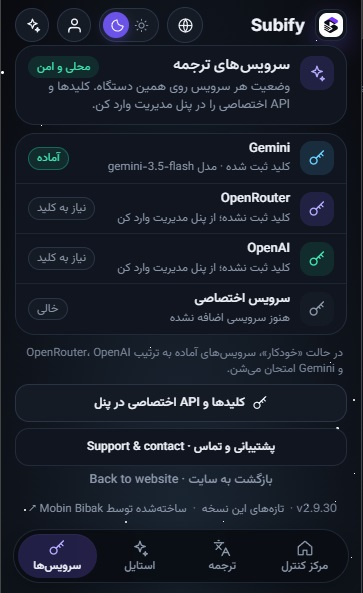
A Provider handles part of translation or voice processing and can be configured in settings
Use subtitle exports when you want to edit or reuse the file outside Subify
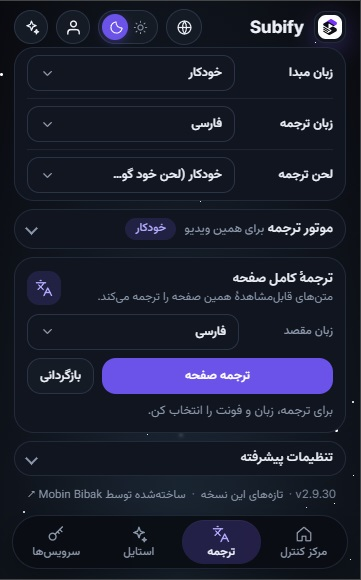
These screenshots come from the real extension so you can see the interface and settings before installing


Common questions about installation, translation, dubbing, Providers and exports
Install the extension, open a video and choose translation or dubbing. You can also explore Subify features and how it works for more details.